Welcome to our tutorial on how to add a Pricing Table widget to your web project.
Enhance your site with a sleek, responsive, and lightweight pricing table widget for seamless integration and clear pricing display.
Whether you want to improve user experience or create a more interactive website, a Pricing Table can be valuable. This article will walk you through integrating our Pricing Table widget into your web project.
Add Pricing Table Widget to Website – Step by Step
To add Pricing Table widget, follow the steps below:
- Create a Pricing Table widget in Webynize.
- Click Next button.
- Customize the design and data of your Pricing Table widget.
- Click the “Embed now” button.
- On the popup, copy the code.
- Paste the code on your web project.
Design that speaks value.
Every plan deserves to shine. Present your pricing with elegance and precision that feels native to your site. Lightweight, responsive, and beautifully crafted to make your offers stand out.
Simple control with total freedom.

Set currencies, choose defaults, and manage plans effortlessly. Whether it is monthly or yearly, every option adjusts seamlessly in one intuitive dashboard.
Beautiful from every angle.
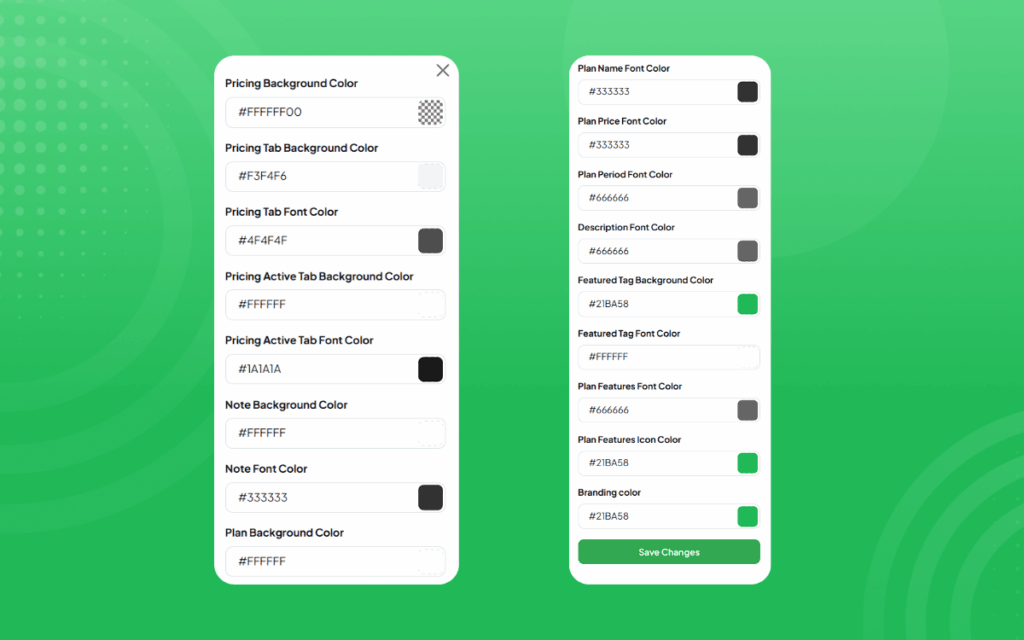
Customize every detail. Colors, fonts, sizes, buttons, and borders all match your brand perfectly. Every pixel feels intentional and refined.
Guide customers effortlessly.
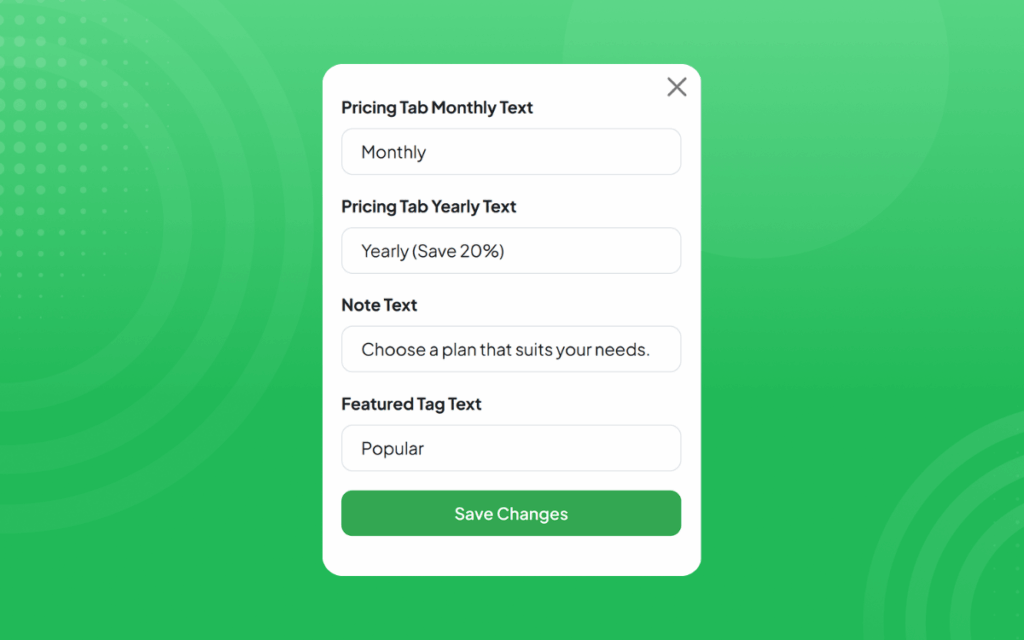
Clear labels like Monthly, Yearly (Save 20%), and Popular make pricing easy to understand and help visitors choose the right plan with confidence.
Features that evolve with you.
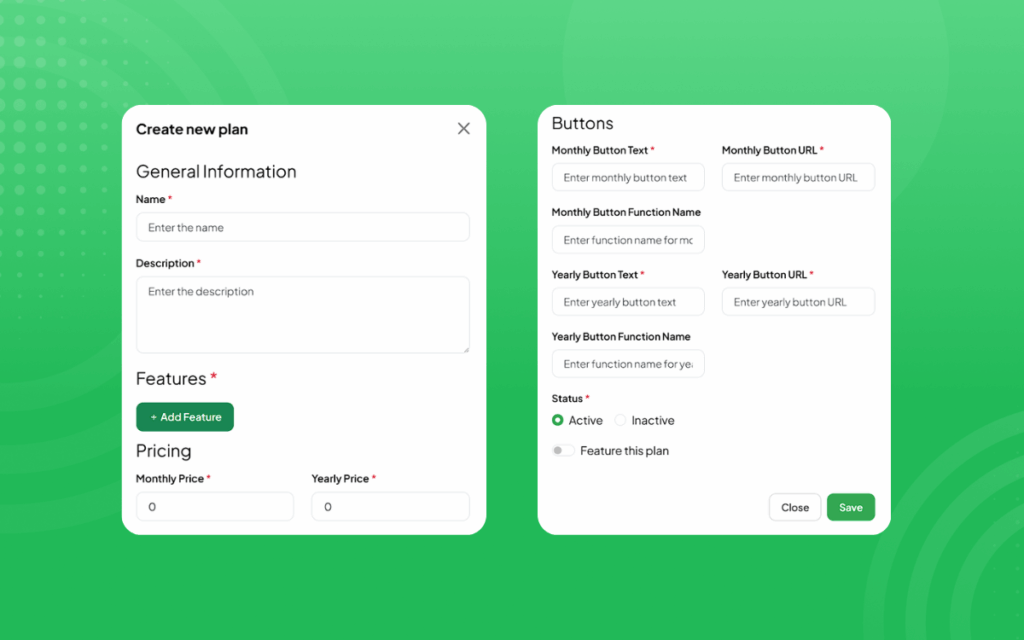
Add, update, or highlight any plan feature in seconds. The widget grows with your business, keeping your offers fresh and relevant.
Precision in every detail.
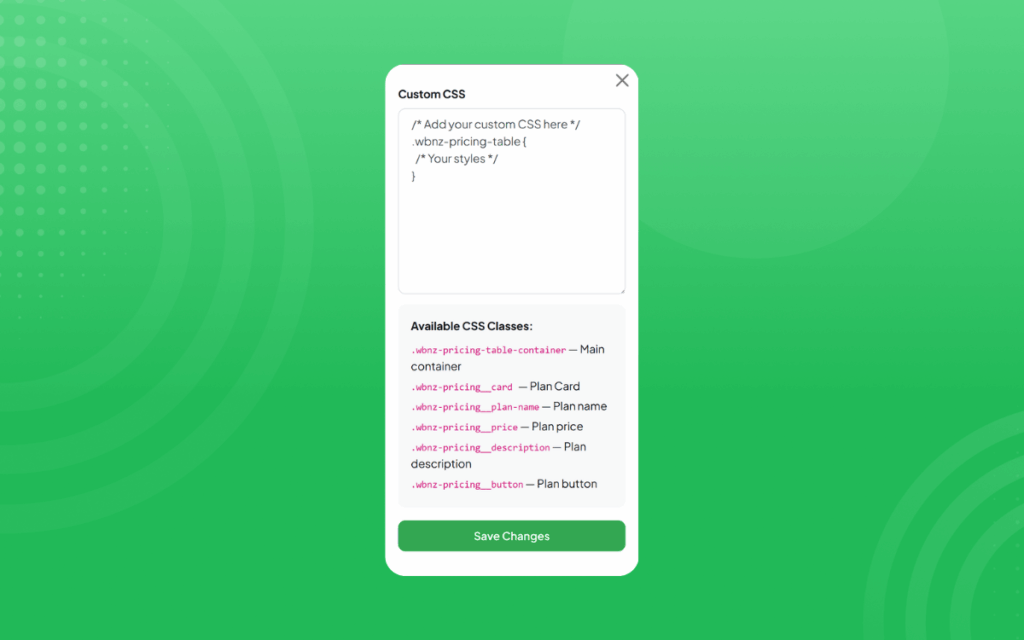
From custom CSS to fine typography, you are in complete control. Each element is crafted for clarity, performance, and conversion.
Effortless performance.

Fast to load. Easy to edit. Beautiful to use. Your pricing deserves more than a table. It deserves an experience.
[LIVE-DEMO]
[TESTIMONIALS]
Need Support?
This tutorial has helped show you how to add a Pricing Table widget to your web project for FREE!
If you have any questions or need further assistance, please get in touch with our support team using the chat box on the lower right corner of this page.
Conclusion
Adding a Pricing Table widget can be a simple and effective way to gather valuable insights from your customers and improve the overall user experience of your web project.
We wish you the best of luck with your new Pricing Table widget!
Leave a Reply