Welcome to our tutorial on how to add a Quiz widget to your web project.
Whether you want to improve user experience or create a more interactive website, a Quiz can be valuable. This article will walk you through integrating our Quiz widget into your web project.
Add Quiz Widget to Website – Step by Step
To add Quiz widget, follow the steps below:
- Create a Quiz widget in Webynize.
- Click Next button.
- Customize the design and data of your Quiz widget.
- Click the “Embed now” button.
- On the popup, copy the code.
- Paste the code on your web project.
Turn visitors into insights.
Create interactive quizzes that engage, qualify, and convert.
All without writing code.
Ask better questions. Get better customers.
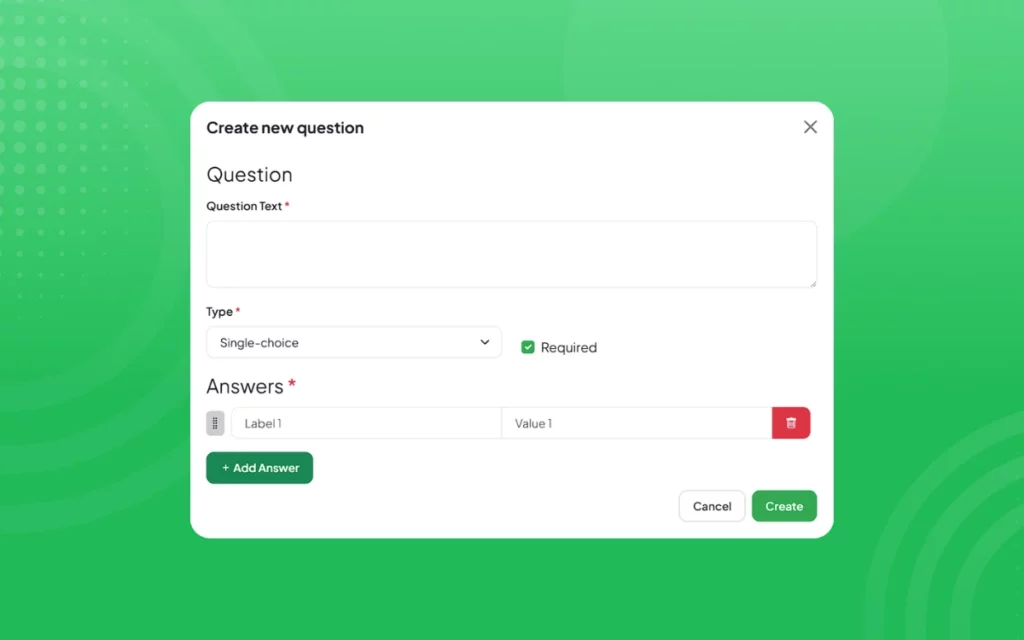
Build quizzes that guide visitors to the right answer and the right action.
Single choice questions keep things simple. Required fields keep responses complete. Every interaction becomes valuable data.
Results that feel personal.
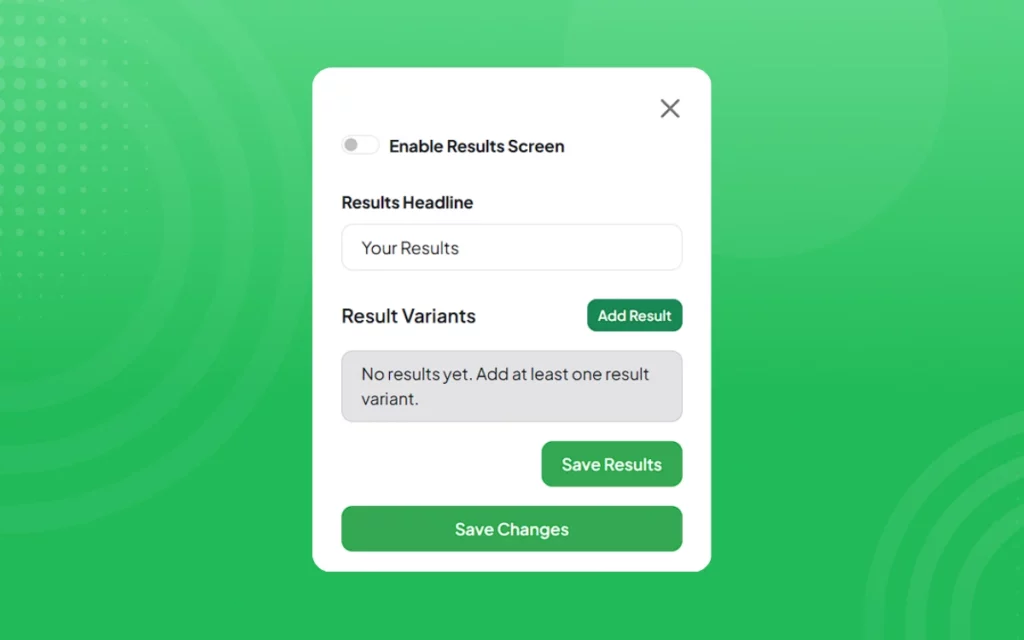
Show tailored outcomes instantly.
Recommend products. Suggest services. Deliver next steps.
Your visitors don’t just finish the quiz. They see themselves in the result.
Analytics that actually help you grow.
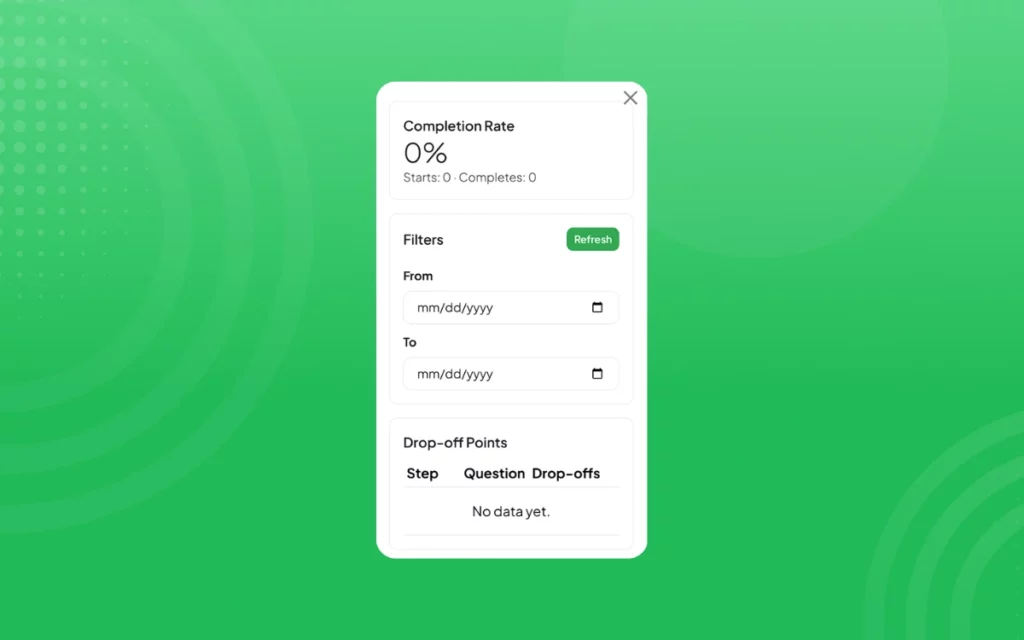
See completion rates. Track drop-off points. Discover the answers people choose most. Stop guessing. Start optimizing.
Customize everything. Match your brand perfectly.

Control colors, fonts, buttons, spacing, and borders.
Make your quiz look like it was built specifically for your website.
Because it was.
Start strong. Finish stronger.

Customize your start screen.
Control your final screen.
Guide visitors from curiosity to conversion in a smooth flow.
Advanced control when you need it.
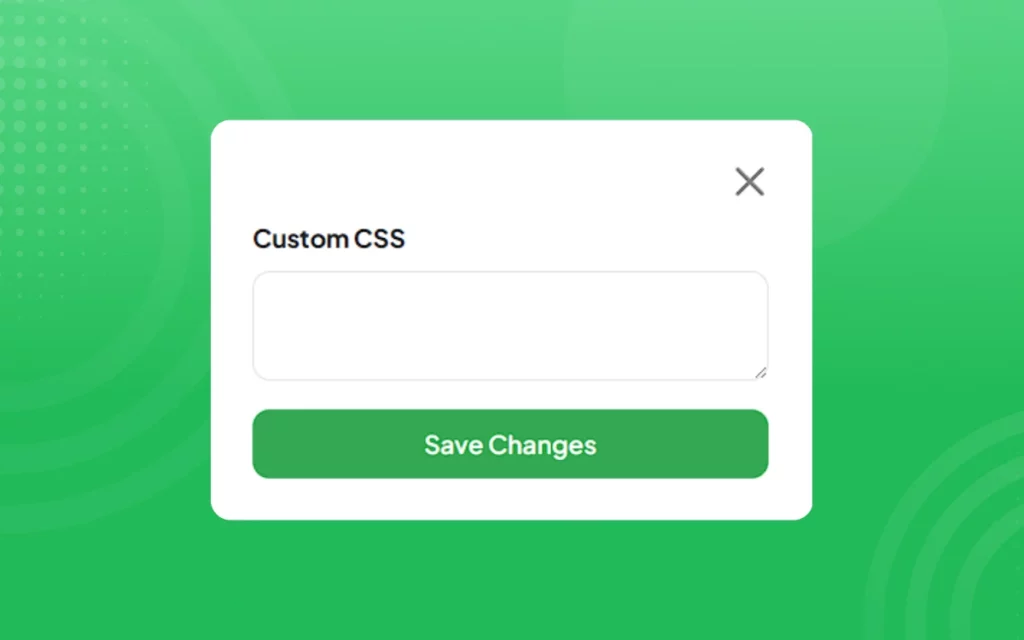
Use custom CSS for deeper customization.
Fine tune spacing, styling, and layout.
Perfect for teams that want full control.
More engagement. More leads. More conversions.

The Webynize Quiz Widget turns passive visitors into active participants.
And active participants into customers. Start building your quiz today.
[LIVE-DEMO]
[TESTIMONIALS]
Need Support?
This tutorial has helped show you how to add a Quiz widget to your web project for FREE!
If you have any questions or need further assistance, please get in touch with our support team using the chat box on the lower right corner of this page.
Conclusion
Adding a Quiz widget can be a simple and effective way to gather valuable insights from your customers and improve the overall user experience of your web project.
We wish you the best of luck with your new Quiz widget!
Leave a Reply