The current level of globalization means that, as an employer or recruiter, you will be competing for top talent with companies in your region and overseas.
One way to attract top candidates is to streamline the application process to reduce bounce-off rates.
For WordPress users, a job board plugin helps you optimize your platform for a consistent UX and provides analytics to help you streamline user journeys.
In this guide, we’ll cover the best WordPress job board plugins, including the top features to consider and how to optimize them.
TL;DR – Best WordPress Job Board Plugin
Here are the top-rated WordPress job board widgets for displaying open positions on your website:
- Webynize
- WP Job Portal
- JobBoardWP
- Job Board by BestWebSoft
- WP Job Openings
- Job Manager & Career
- JobWP
If you’re looking for job board plugins for specific use cases, here are some other options to consider:
- Best All-round Widget: Webynize
- Best for Monetization: WP Job Manager
- Best for Niche Industries: easy.jobs
- Best on Budget Plugin: Simple Job Board
Continue reading for an in-depth review of each job board plugin, including key features and pricing.
What Makes a Great WordPress Job Board Plugin?
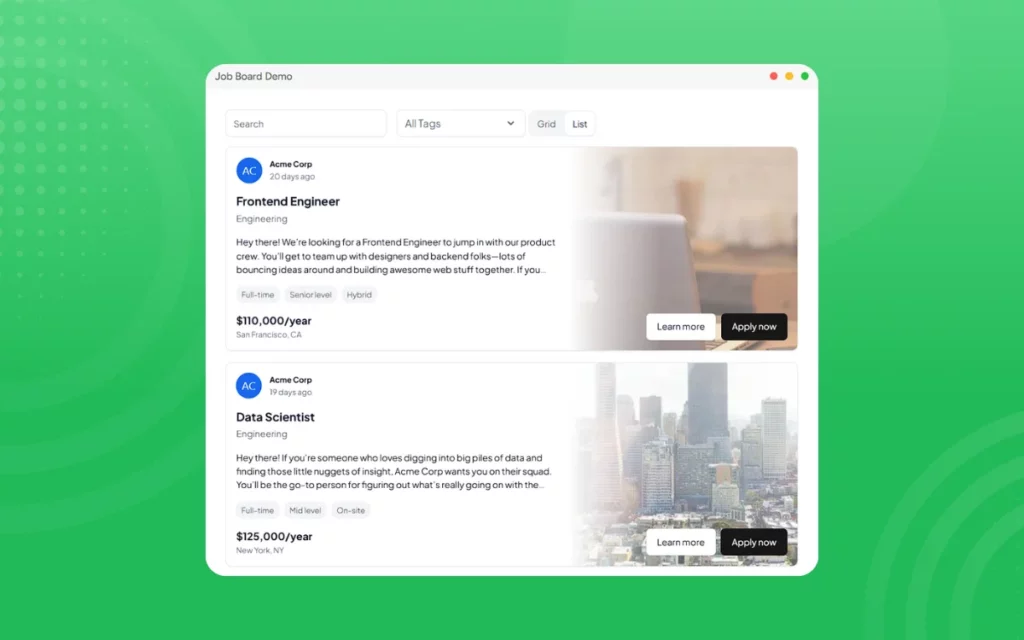
The best WordPress job board plugins go beyond just displaying new positions; they complement your website’s UX and enhance visitor engagement.
The following features separate a high-engagement job board plugin from a basic one:
- WordPress Compatibility: The best job board plugins feel native to WordPress. They integrate seamlessly into your WP site, ensuring flexible customization and fast loading times.
- Optimized User Journeys: Great job board plugins feature intuitive user interfaces that make the application process effortless. These can include efficient file uploads, progress indicators, and post-application confirmation messages that alert candidates that their submissions have been received.
- Filtering Options: The right WordPress job board plugin should allow candidates to quickly find the job postings they want by filtering listings by region, industry, title, experience, and other criteria.
- SEO Optimization: The most effective job board widgets have a strong SEO foundation, which incorporates both on-page and technical optimization. Besides using relevant keywords, the plugin should be mobile-friendly and crawlable/indexable by search engines.
Top WordPress Job Board Plugins to Consider for Your Website
Choosing the right WP job board plugin saves you months of trial and error, as the widget complements your platform, improving UX and user engagement. We reviewed the dozens of WordPress job board plugins available online and compiled a list of the top-rated ones you should consider for your site.
Let’s discuss them in detail below:
1. Webynize
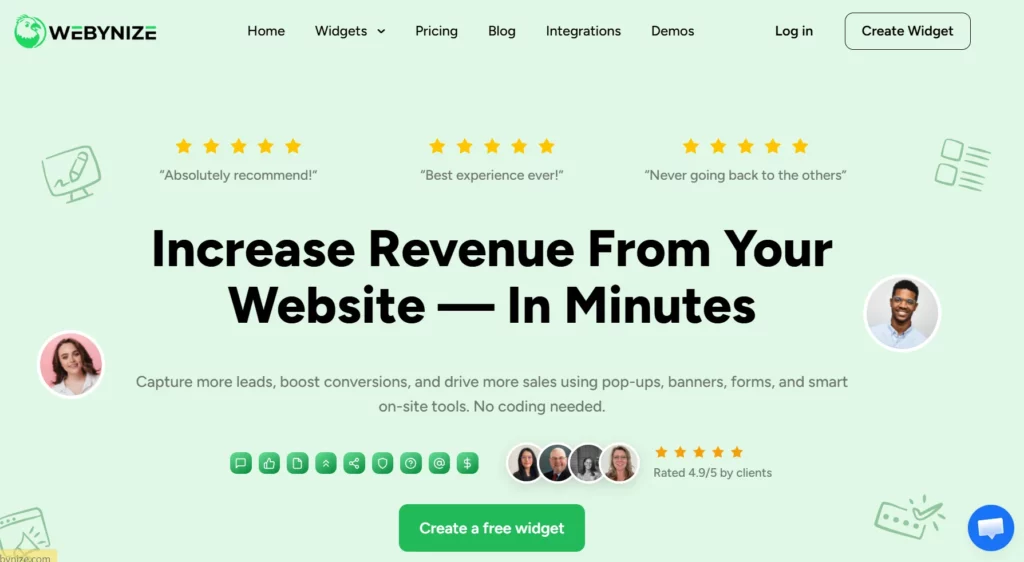
Webynize is the #1-rated solution for adding a job board widget to WordPress to display open positions and attract top talent for your company or third-party recruiters. The plugin offers flexible customizations, letting you personalize your job board to blend with your WP theme.
Other key features include:
- Easy Widget Implementation: The Webynize WP job board plugin auto-generates the embed code to paste on your website, so you don’t need advanced technical skills to set up the widget.
- WordPress Integration: The job board plugin is compatible with WordPress, among other major web builders like Squarespace and Wix, meaning you can use the same widget across your websites.
- Fast Performance: The plugin uses lightweight code to improve load times and website performance. It also uses lazy loading to optimize page loading speed.
- Flexible Customizations: You can tailor your job board plugin to complement your WP theme and add custom CSS for advanced styling options.
- Contextual Information: Webynize offers a tooltips widget that you can add alongside the WP job board widget to provide users with additional information when they hover over the listings.
Create a job board widget to streamline how you post and manage open positions on your WordPress website.
2. WP Job Portal
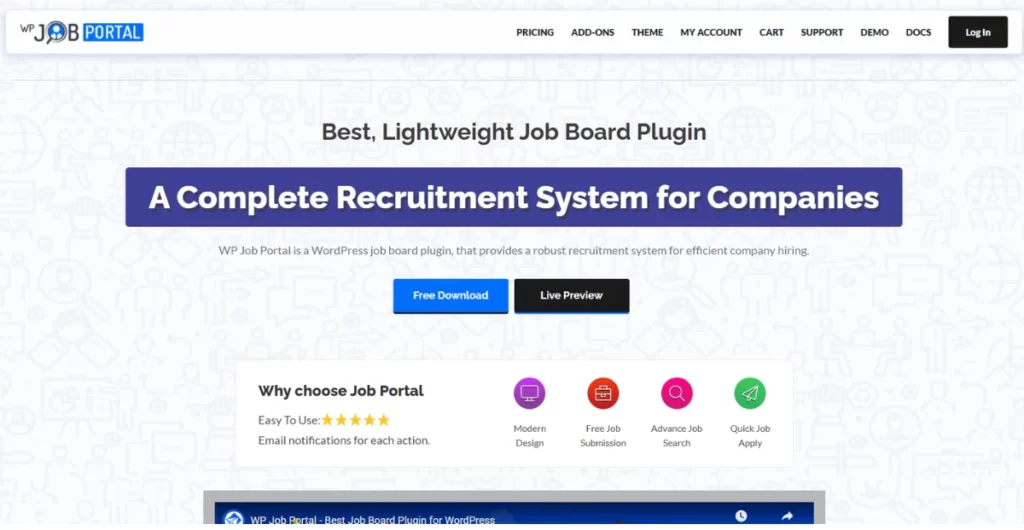
WP Job Portal provides an easy-to-use plugin for displaying open positions on a WordPress site. The plugin also includes a search tool that lets users filter jobs by category.
Features:
- Customizable fill-out forms
- Multi-lingual support
- Separate dashboards for candidates and recruiters
3. JobBoardWP
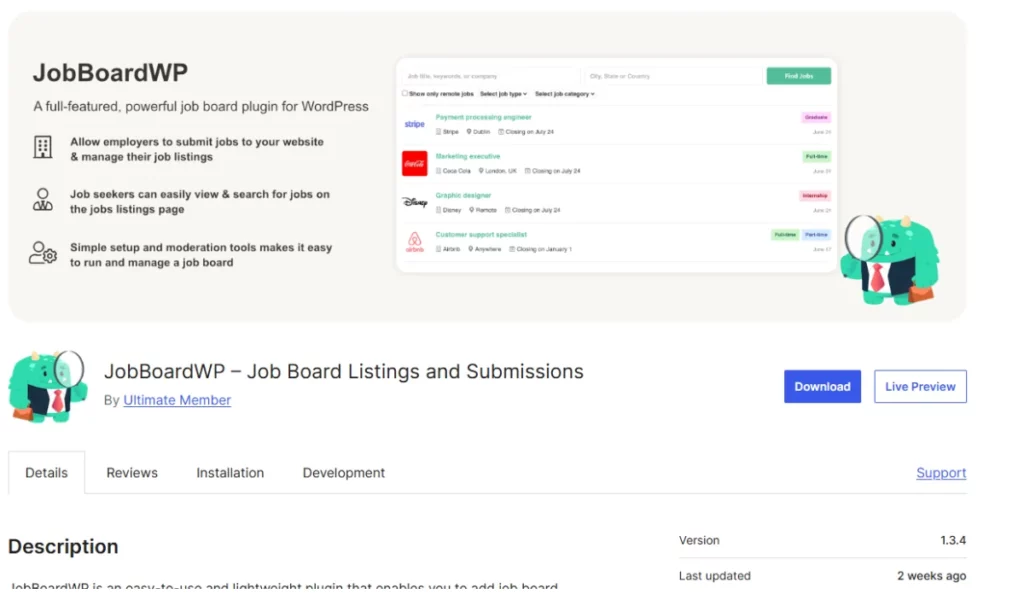
JobBoardWP provides a basic plugin for adding a jobs page to a WordPress site, including the option to organize the entries by category.
It is classified as an open-source software, meaning anyone can modify the codebase to their personal preferences.
Features:
- Centralized dashboard for submitting and managing jobs
- Supports structured data for SEO performance
- Supports up to 5 languages
4. Job Board by BestWebSoft
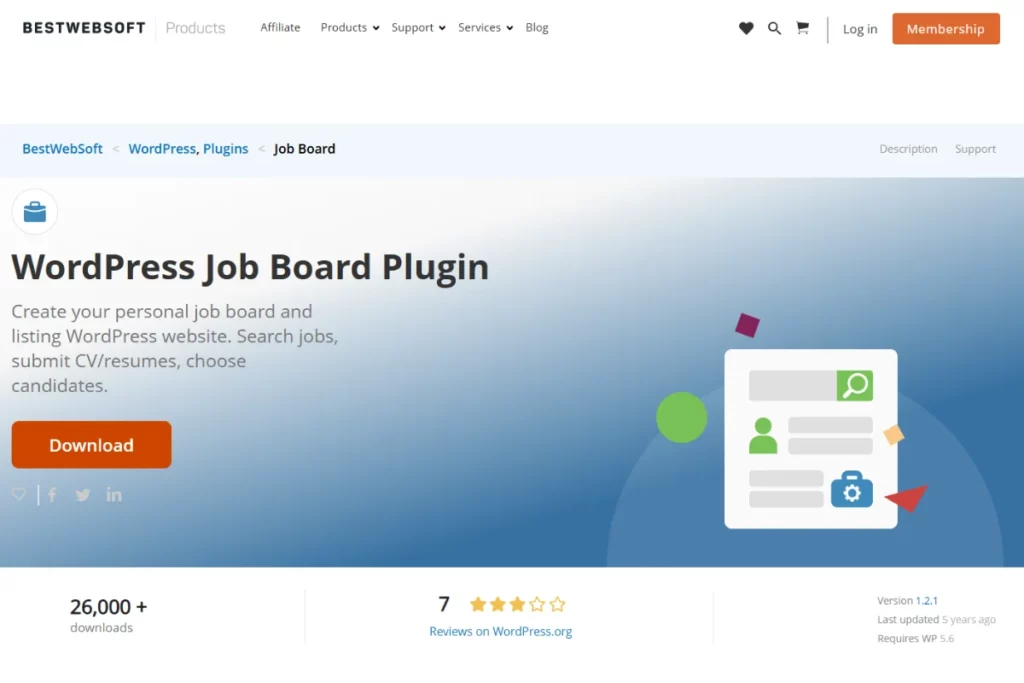
Developed by BestWebSoft, Job Board lets users create a personal job listing on their WP sites and allows candidates to store their CVs/resumes on the platform.
It includes customizable forms that let users personalize their job boards to specific industries.
Features:
- Allows an unlimited number of jobs per user
- Supports custom code to enhance functionality
- Has a search function to filter job listings
5. WP Job Openings
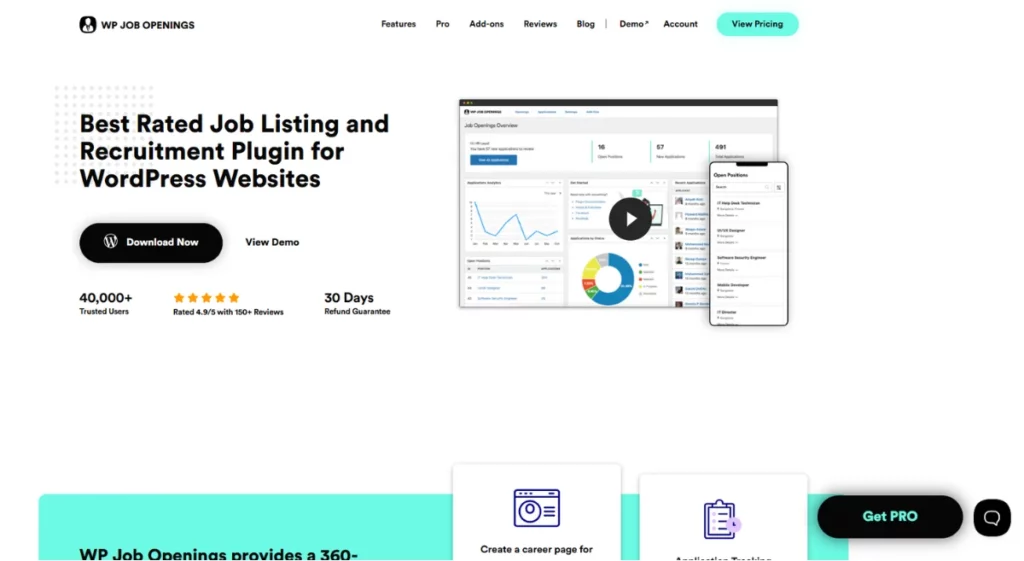
WP Job Openings is a plugin that lets you create company profiles where you can post open positions.
Additionally, you can configure the plugin to send personalized emails to job candidates, inviting them to apply.
Features:
- Customizable forms and fields
- Search and filter options to find specific jobs with ease
- Designed with a job listing schema to boost SEO performance
6. Job Manager & Career
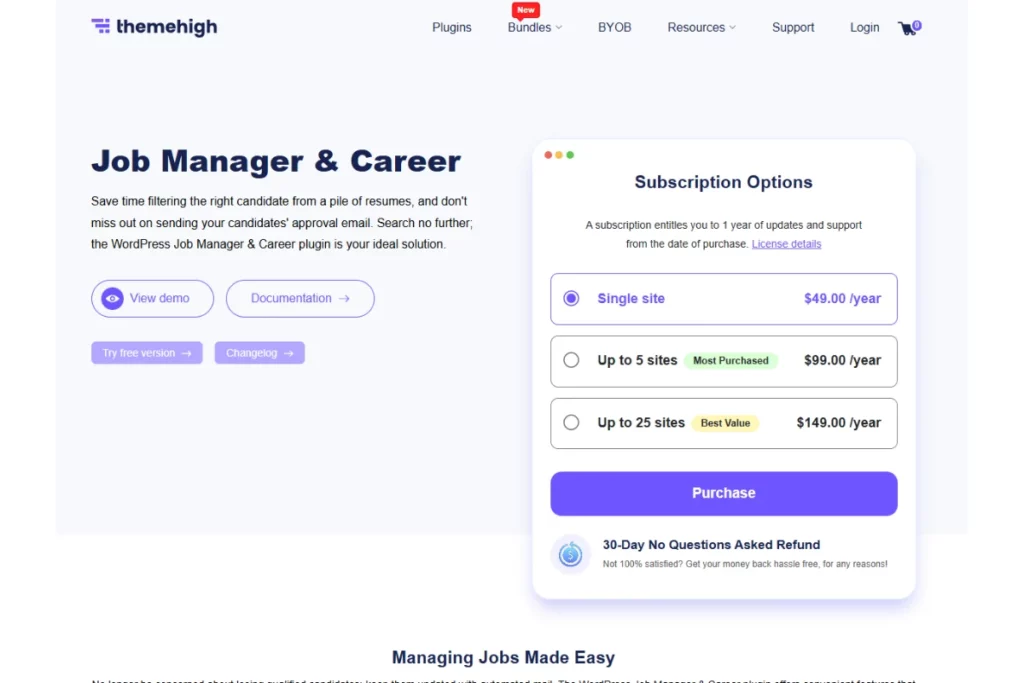
Developed by themehigh, the Job Manager & Career WP plugin lets recruiters post new openings and screen candidates from a centralized dashboard.
Additionally, recruiters can track candidates’ application progress and send reminders to reduce abandonment rates.
Features:
- Job candidates can upload their resumes through the platform
- Conditional fields that ask personalized questions based on previous answers
- Mobile-first design for consistent UX
7. JobWP
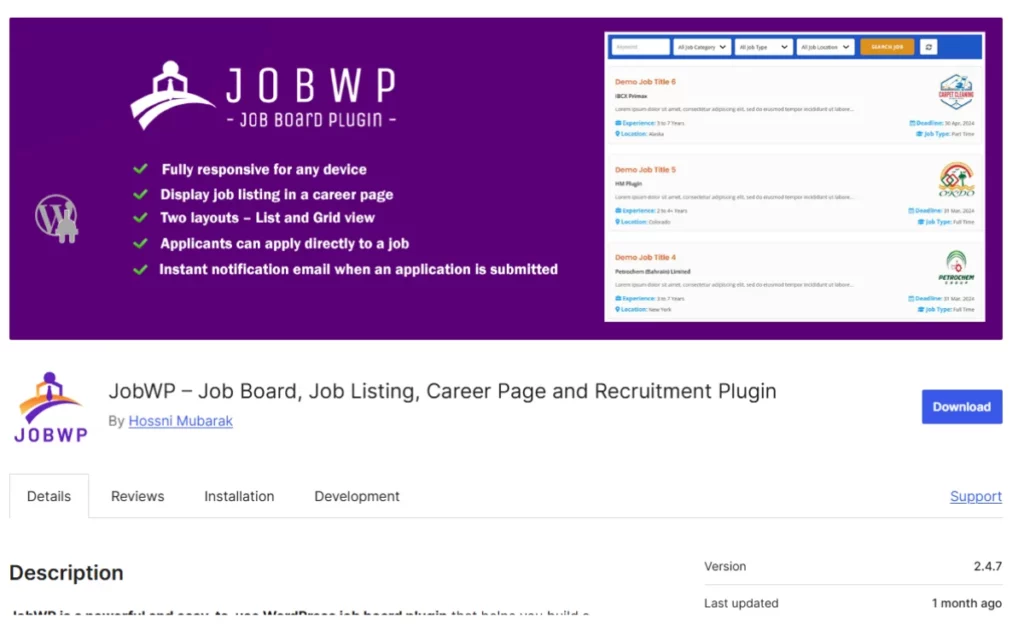
JobWP offers an easy-to-use plugin for building a careers section on a WordPress site.
Additionally, the plugin lets recruiters insert links that redirect candidates to external platforms, such as their company website.
Features:
- Pre-built forms for easy setup and customization
- Responsive layouts for mobile devices
- Recruiters can pick suitable candidates from a centralized dashboard
Recommended Plugins for Specific Use Cases and Needs
Most job board plugins serve the same primary function of displaying openings on a platform. However, some plugins are best suited for specific use cases, such as monetization or niche industries.
The plugin options include:
- Best All-round Widget: The Webynize job board widget is the best plugin for HRs, companies, and recruiters looking to display listings on their websites. The plugin’s flexible styling options let you personalize the job board to blend with your website theme. Additionally, you can track essential metrics like views and clicks to gain insights into how to improve your job board’s UX and boost engagement.
- Best for Monetization: WP Job Manager is the best plugin for monetization because you can add a Paid Listings extension and integrate your job board to WooCommerce to access payment gateways like Stripe, PayPal, and Square.
- Best for Niche Industries: easy.jobs is the best plugin for recruiters in niche sectors like healthcare and engineering. It allows users to create custom fields for inputting candidates’ information, such as license date and number, which don’t apply to most industries.
- Best on Budget Plugin: Simple Job Board is a suitable option for beginners looking for a budget-friendly way to display vacancies on their websites. However, users shouldn’t expect any advanced filtering or customization features.
Tips to Optimize Job Board for SEO in WordPress
Many WordPress job boards fail to rank in related searches because they treat SEO as an afterthought rather than a must-have. Remember, not even posting Fortune 500 company job openings will get your site ranking if search engines can’t crawl it.
Below are proven strategies for optimizing your job board for SEO:
- Invest in On-Page SEO: This requires more than just incorporating relevant keywords. Use appropriate header levels to maintain the information hierarchy, and draft concise meta descriptions to increase click-through rates.
- Implement Schema Markup: Create clear, structured data to tell search engines what each posting contains, including the job title, description, salary range, employment type, and company. This triggers search engines to crawl and index your website, helping them fetch and display your WordPress site in relevant searches.
- Optimize Job Listing URLs: Generic URLs like yoursite.com/job/12345/ don’t tell search engines what your website or content is about, reducing the likelihood of ranking on SERPs. Instead, use descriptive URLs like yoursite.com/jobs/senior-software-engineer-san-francisco/, so they match users’ search intent and increase the likelihood of appearing on results pages.
- Create Contextual Landing Pages: Build industry and job type category pages where you can publish descriptive content explaining typical roles, required qualifications, salary ranges, and career progression paths. You can then incorporate exact- and broad-match keywords into your content, helping your WordPress site appear in more SERPs and increasing potential traffic to your website.
- Build High-Quality Backlinks: If you’re a recruiter, you can partner with employers and organizations to have links from their websites pointing to your WordPress site. This signals search engines that your website is trustworthy, which helps boost your WordPress site’s organic search rankings and domain authority.
Best Method to Manage Job Listings Efficiently
As your job board grows in popularity, you need a system to manage listings, including verifying that the openings are authentic, organizing them by category, and monitoring for duplicate entries.
Here’s a simple strategy to keep your job listings recent and relevant to your target audience:
- Automated Expiration Workflows: Send expiration reminders to employers, with the option to renew job postings if they haven’t filled the positions. If you are a business managing a job board on your website, send reminders to job candidates who started the application process but dropped off to increase completion rates.
- Bulk Uploads: Recruiters seeking to fill multiple positions for their clients should have the option to import data directly into the job board by uploading a CSV file.
- Standardize Job Listing Data: Use standard formats for job titles, locations, and employment types to make your repository searchable.
- Centralize Application Management: Build applicant dashboards that let candidates track their progress, including whether they have qualified for the next round of reviews or interviews.
Common Mistakes to Avoid When Running a Job Board
A job board is only effective when it allows candidates to find new postings and apply with minimal friction. Otherwise, candidates will likely drop off, resulting in a decline in your job board’s traffic and engagement.
Here are the pitfalls to avoid when setting up your job board:
- Neglecting SEO: Job boards rely heavily on organic search traffic. As a result, a poor SEO strategy means your job board doesn’t appear in high-intent searches. Incorporate relevant keywords into your job postings and include backlinks to relevant sites to signal search engines that your job board contains helpful content, making it more visible to potential candidates.
- Ignoring Analytics: Not tracking your job board’s analytics results can lead to missed opportunities to refine the platform, remove friction points, and increase engagement. Track essential metrics like clicks, views, and applications for insights into your visitors’ user journeys and ways to improve the UX for better engagement.
- Poor Mobile Experience: Static job listings that appear distorted on small screens discourage candidates from interacting with your website on mobile devices, which accounts for more than 60% of all internet traffic. Instead, use a job board widget to make the listing mobile-friendly, giving visitors a consistent UX across devices.
- Posting Low-Quality Jobs: Displaying spam job posts is the fastest way to tarnish your platform’s credibility and trustworthiness, as candidates often assume you are in cahoots with the fraudulent recruiters. As such, create a checklist to vet all new postings and ensure they are authentic and associated with registered companies/clients.
- Poor Job Listing Maintenance: Displaying positions that were filled months ago erodes users’ trust in your job board, potentially reducing traffic and engagement over time. Keep job postings current and relevant by implementing an expiration policy that sets a 30- or 60-day window from the initial posting date.
Frequently Asked Questions (FAQs)
Let’s answer common questions we receive about WordPress job board plugins:
Do Job Board Plugins Include Email Notification Features?
Yes. Most job board plugins include email notification features that send alerts to recruiters and candidates about job alerts and application confirmations.
Are There Plugins that Support Freelance Listings?
Yes. Some plugins support freelance listings, allowing clients and contractors to create profiles and connect on the platform.
Can I Accept Payments Directly Through a Job Board Plugin?
Most job board plugins won’t allow you to accept payments directly from their platforms.
However, they often include third-party integrations to secure transaction-processing platforms that allow contractors to receive payments.
Which Plugin Offers Resume Upload and Management?
Webynize allows job candidates to upload their resumes during the application process.
This helps reduce friction in the application process, encouraging candidates to stay on your website longer.
Conclusion
The WordPress job board plugin you choose should help you create and showcase an engaging job listing that grabs visitors’ attention quickly and invites them to explore the openings.
Webynize’s WordPress job board plugin is created and maintained by seasoned developers with 10+ years of SaaS and web dev experience. Additionally, our job board plugin is mobile-friendly and responsive to different screen sizes, ensuring a consistent UX across devices.
Create a widget and build an engaging job board to attract top talent for your company.
Leave a Reply