Welcome to our tutorial on how to add a Team Members widget to your web project.
Showcase your company’s team or leadership in an organized and visually appealing grid. Great for building trust on “About Us”, “Team”, or “Company” pages.
Whether you want to improve user experience or create a more interactive website, a Team Members can be valuable. This article will walk you through integrating our Team Members widget into your web project.
Add Team Members Widget to Website – Step by Step
To add Team Members widget, follow the steps below:
- Create a Team Members widget in Webynize.
- Click Next button.
- Customize the design and data of your Team Members widget.
- Click the “Embed now” button.
- On the popup, copy the code.
- Paste the code on your web project.
Put Faces Behind Your Brand.
Turn introductions into connections. The Team Members widget helps you showcase the people behind your company in a clean, modern, and professional way.
Seamless Team Management.
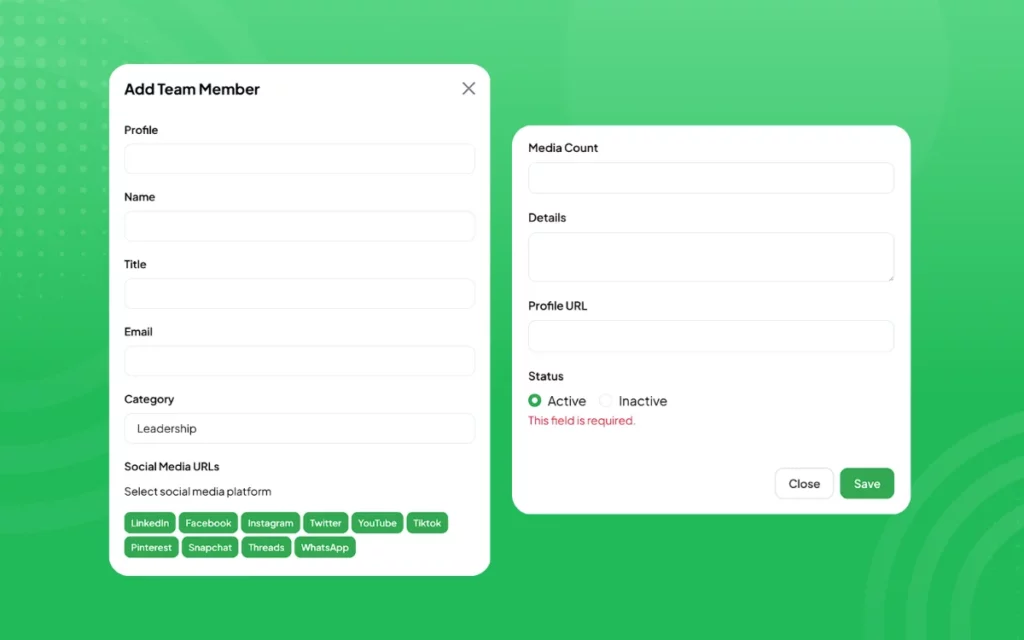
Add profiles, roles, and contact information from one simple dashboard. Your team’s story becomes easy to update and effortless to maintain.
Smart Layout Control.
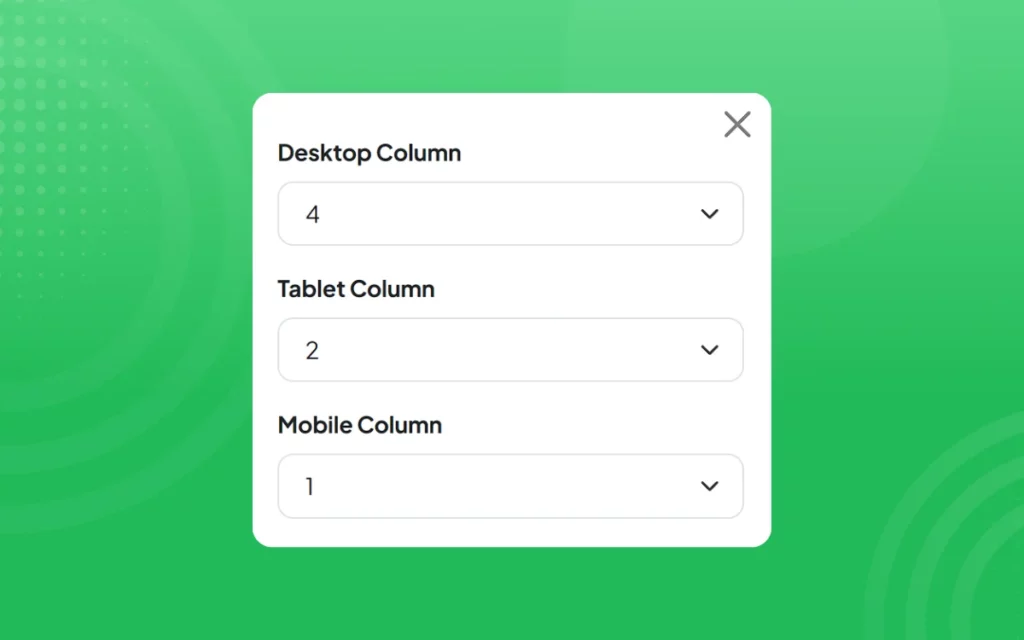
Choose how your team appears on every screen. Customize columns for desktop, tablet, and mobile to ensure a flawless viewing experience.
Beautiful Visual Presentation.
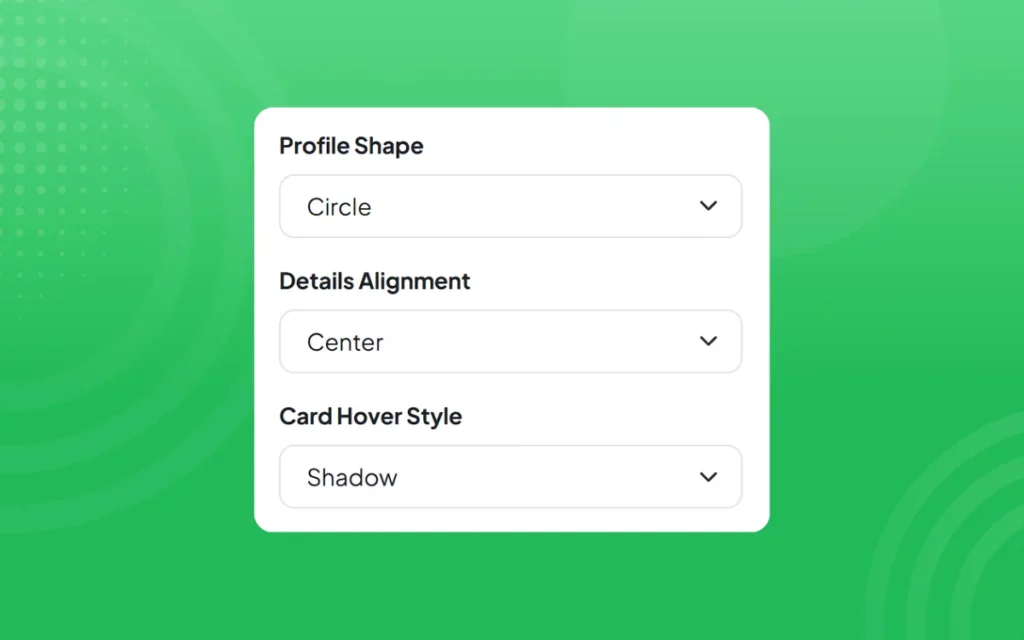
Select shapes, alignments, and hover styles that fit your design. Every profile looks polished, balanced, and ready to impress.
Interactive Team Profiles.
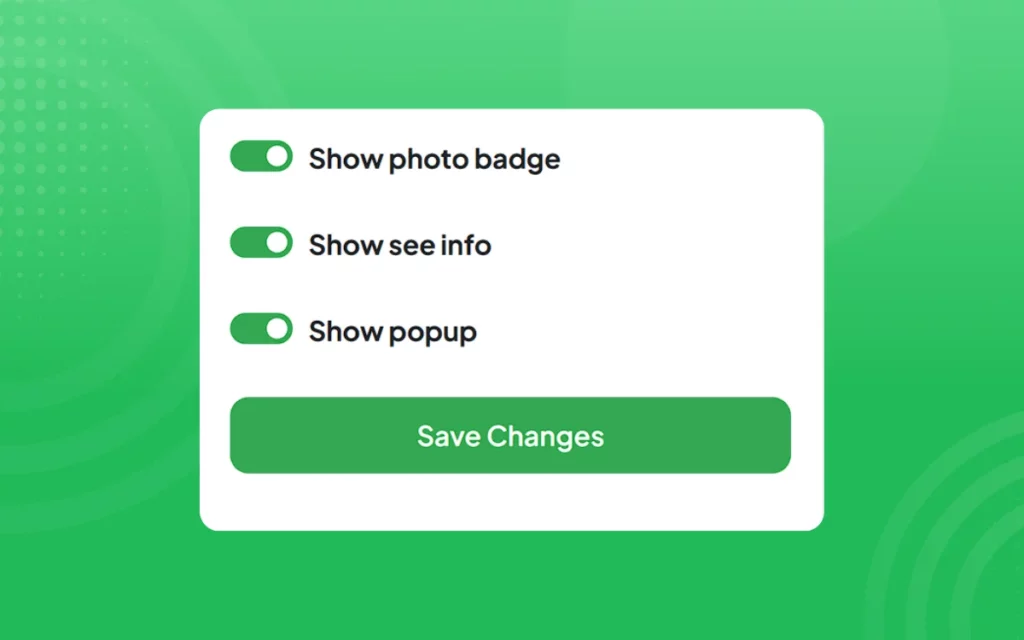
Display social links, details, and photo badges that invite visitors to connect and learn more. Make every profile feel alive and approachable.
Custom Design Freedom.
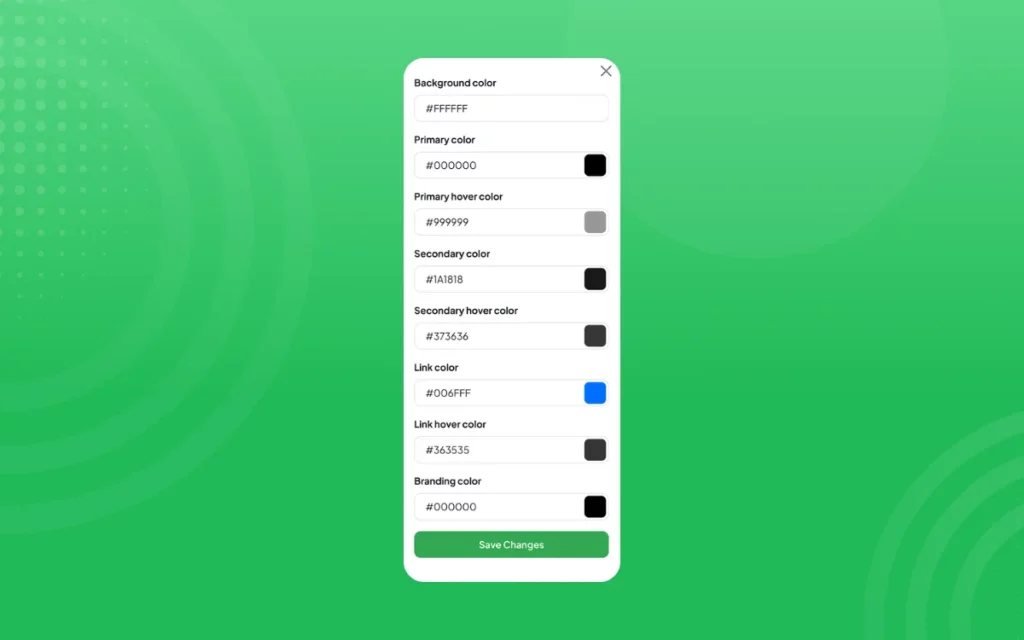
Adjust colors, fonts, and buttons to match your brand. From subtle tones to bold contrasts, your team section stays beautifully consistent.
Built for Developers and Designers.
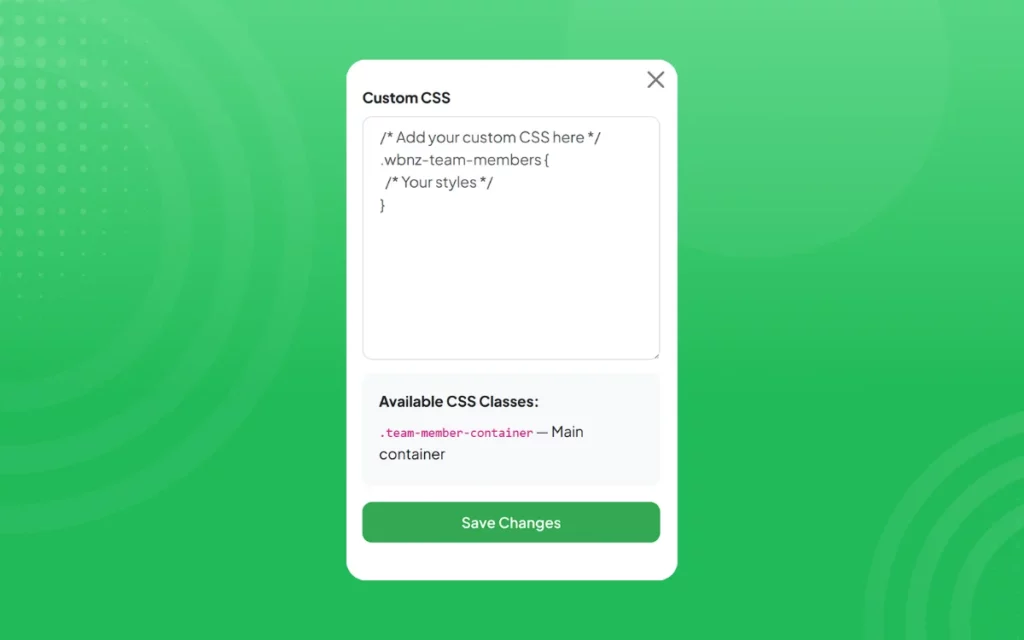
Add your own CSS for deeper customization. Refine layouts, animations, and interactions to create a team section that feels uniquely yours.
More Than Names and Titles.
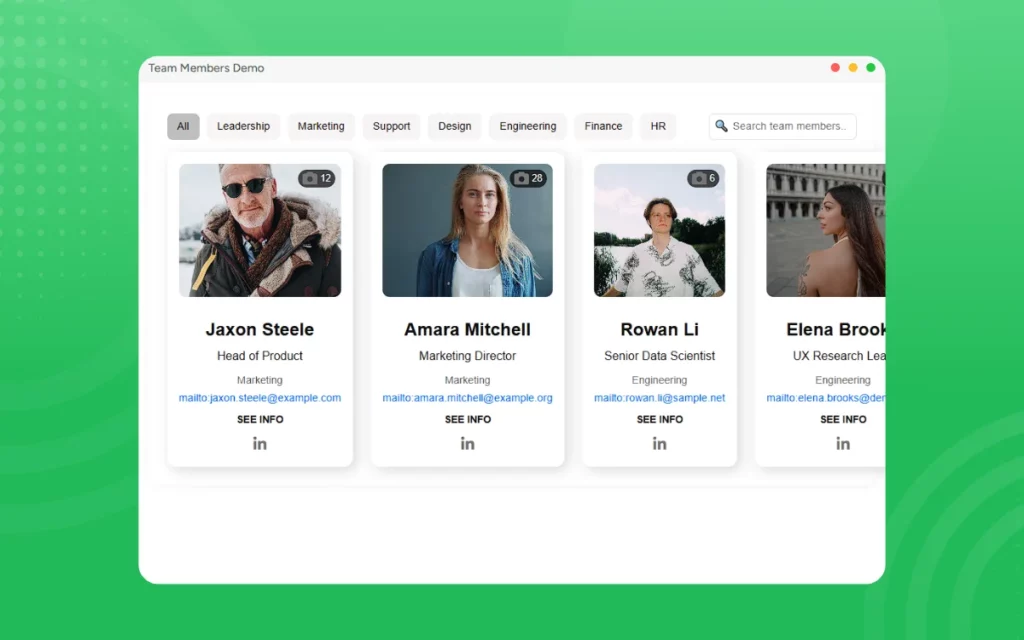
Your people are your story. The Team Members widget helps you present them with clarity, confidence, and character because trust begins with a face.
[LIVE-DEMO]
[TESTIMONIALS]
Need Support?
This tutorial has helped show you how to add a Team Members widget to your web project for FREE!
If you have any questions or need further assistance, please get in touch with our support team using the chat box on the lower right corner of this page.
Conclusion
Adding a Team Members widget can be a simple and effective way to gather valuable insights from your customers and improve the overall user experience of your web project.
We wish you the best of luck with your new Team Members widget!
Leave a Reply