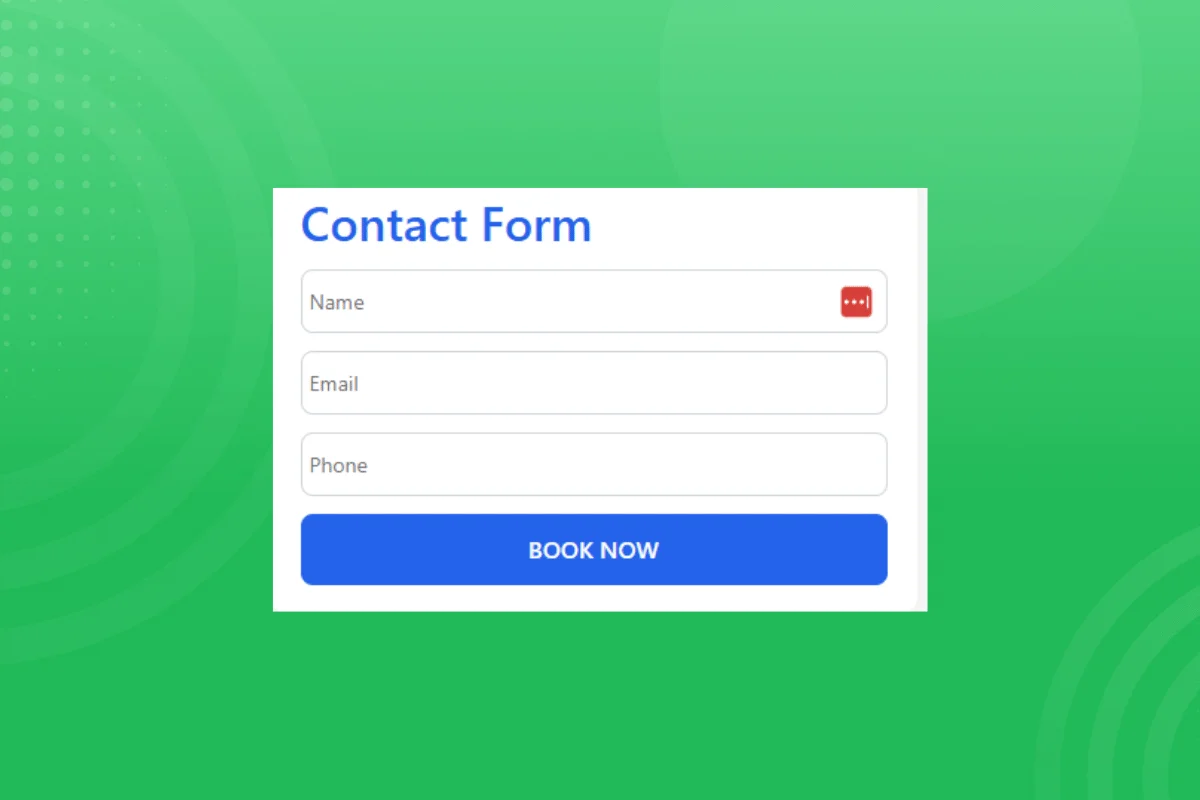
Ever entered an office or visited a store, and they were open, but you couldn’t find someone to serve you? Frustrating, right?
That’s what potential clients feel when they visit your website, but can’t figure out how to contact you to ask about your offered products or services.
A well-designed contact form provides a convenient way for customers to message your business without leaving your website. This ensures that you don’t miss out on conversion opportunities, especially from warm leads.
In this guide, you’ll learn how to create and customize a contact form for your website, including optimization tips to boost visitor engagement.
How to Build a Simple Contact Form
There are various ways to build a contact form for your website, including widgets or coding using HTML, CSS, and PHP. However, website widgets offer the most convenient way, as they let you bypass the coding phase and go straight to styling and embedding your contact form.
Let’s outline how to create a simple contact form using Webynize.
Creating a Webynize Contact Form Widget
This first section outlines how to use our Webynize embed code generator to create the script:
- Sign up for free to Webynize and access our contact form widget for 7 days, unlimited. At the end of the free trial, you can visit our pricing page and purchase a monthly plan to continue using the widget on your website.

- Click the +Create Widget button to open our Webynize widget library.
- Click the dropdown menu and select the contact form.
- Input a custom name for your contact form widget and click Next to go to the editor panel.
- Customize your contact form to your preferences, including creating new fields depending on the information you want to collect.
- Additionally, pick your preferred embed colors and font settings to align the form with your website theme.
- Click Embed on Website on the top right of your screen and select your website builder.
- Use the Copy code button to copy the JavaScript code that appears on the pop-up.
Add the Contact Form to Your Website
- Log in to your website and select to create a new web page or open an existing one where you want to place the contact form.

- Launch the code editor, rich text editor, or code block where you can paste the embed script. Our example below is a code block for WordPress websites.

- Paste the script you copied from your Webynize embed code generator.
- Save the code and click Publish to apply the changes.
The contact form widget should appear on your website. The good news is that Webynize supports integrations with all major web builders, so you need not edit the embed code or modify other settings to make the contact form work.
Additionally, the contact table widget is mobile-friendly, so it should auto-adjust to different screen sizes.
Create a Webynize contact form widget today and collect customer information seamlessly.
Why Every Website Needs a Contact Form
If you don’t have a contact form on your website, you are likely missing out on potential leads. A contact form makes it easy for visitors to reach your business with inquiries, complaints, or general questions.
Other benefits include:
- Streamlined Communication: Adding a contact form to your website provides a quick, effortless way for visitors to message your business, improving user experience. Additionally, you can route the messages directly to the relevant department, ensuring customer concerns are addressed promptly.
- Protection Against Spam: Displaying your business email address on your website often attracts spam and phishing attempts. A contact form lets you include a CAPTCHA technique to filter out junk messages.
- Effective Lead Generation: An effective contact form works much like adding an email sign-up form to your website, enabling you to collect valuable data — such as your visitors’ email addresses — without feeling pushy. You can then add their addresses to your email list and send cold pitches to capture high-intent leads.
- Professionalism: A well-designed contact form demonstrates that your business values communication, helping establish it as professional and credible.
Key Elements of Effective Contact Forms
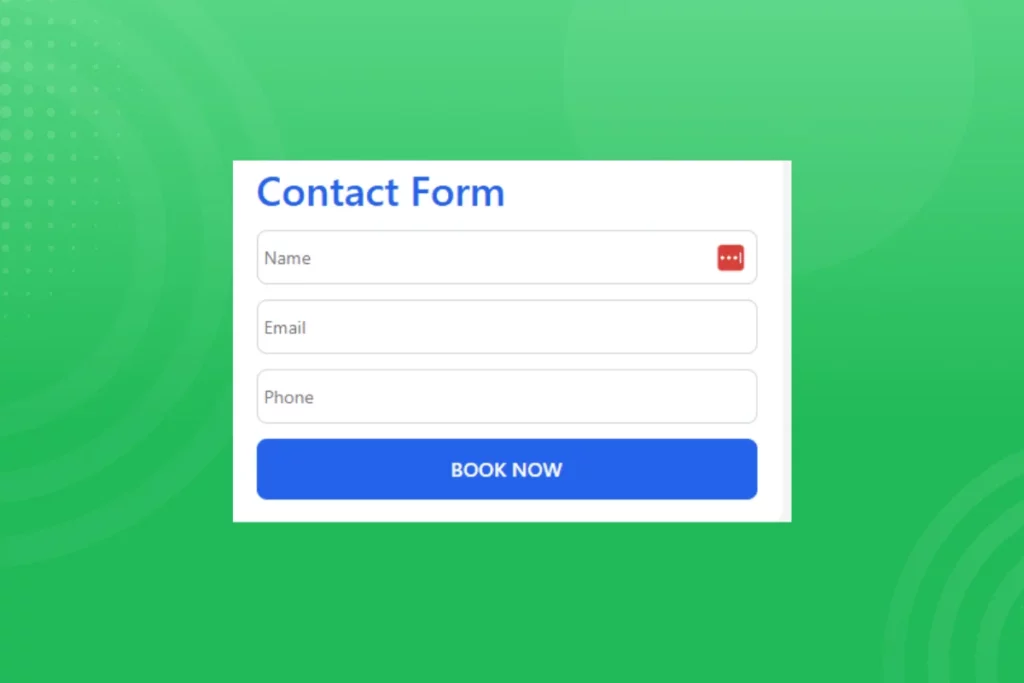
There is no one-size-fits-all template for adding a contact form to your website, as it depends on your business and the data you want to collect. For example, some contact forms only have an email address and message field, while others also ask visitors to provide their mobile number and the department they want to message.
However, the well-designed contact forms often share the same attributes:
- Minimal and Targeted Fields: Well-designed contact forms only include necessary fields to keep them short. Also, some forms use dropdowns, checkboxes, or conditional logic to display only the fields relevant to the visitor.
- Clear Field Labels: Effective contact forms include clear labels and instructions so users know exactly what information to input. For instance, you could add a tooltips widget to display examples of the expected data.
- Autofill: Well-designed contact forms allow browsers to autofill common fields, such as the name, email address, and phone number, to make the process more seamless.
- Error-Handling: Effective contact forms have built-in validation checks that indicate which fields are incorrect and require the user’s attention. An example would be to show an error message when users provide an email address without an ‘@’.
- Spam Protection: The best contact forms implement anti-spam measures such as CAPTCHA challenges and hidden fields to block messages from bots.
How to Choose the Right Contact Form
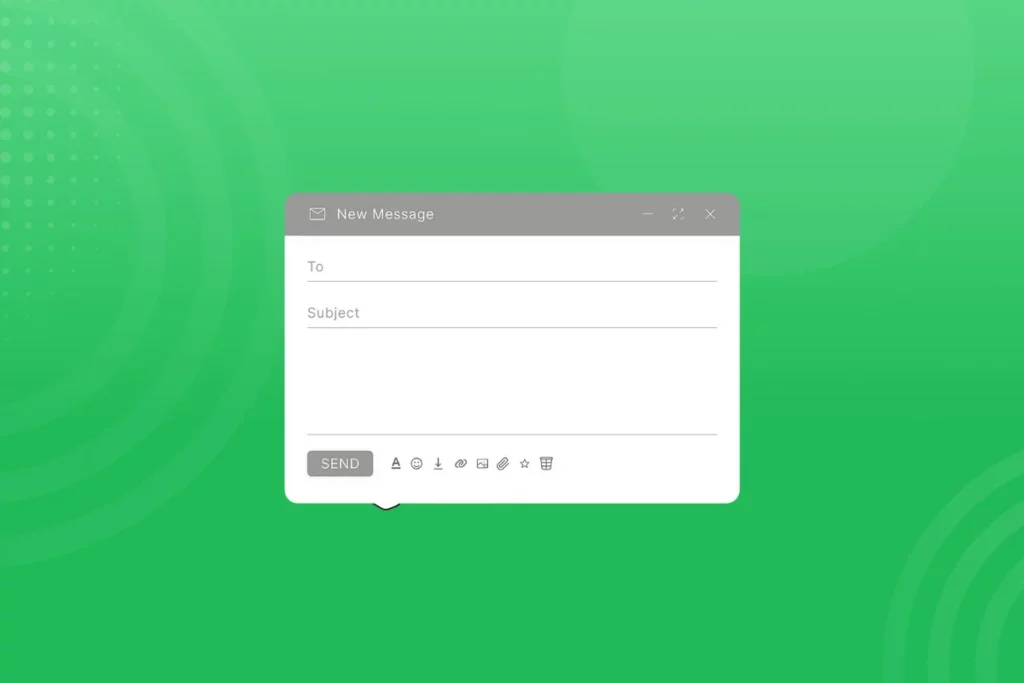
The contact form you choose can make or break your website’s communication flow, thereby impacting the user experience. As such, your contact form should align with your business’s customer service goals and website’s functionality needs.
Use our checklist below to pick the best-fit contact form for your website:
- Check Ease of Use: Go for a coding-free contact form to enjoy the convenience of creating and customizing your widget, even if you’re not a proficient web designer. Also, the contact form should be user-friendly for your website visitors when filling out the fields, to reduce abandonment rates.
- Consider Compatibility: Pick a contact form tool that integrates with all major web builders, including Webflow, HTML, Shopify, and WordPress. This allows you to use the same contact form widget across multiple websites.
- Confirm Mobile Friendliness: The contact form you pick should have a mobile-first design, ensuring the embed adjusts to different screen sizes, especially on mobile phones and tablets. This helps deliver a consistent UX across devices, so you don’t miss out on mobile users, who account for over 50% of website traffic.
- Prioritize Widgets with Built-in Analytics: Go for a website widget that lets you track how visitors interact with the contact form. This enables you to gather insights into user behavior, which helps refine your contact form to maximize visitor engagement and lead conversion (the number of people who fill out and submit the contact form).
- Consider Customization Options: Pick a widget that lets you style the contact form to your personal preferences or to complement your website theme.
Tips to Optimize a Customer Contact Form for Better Responses
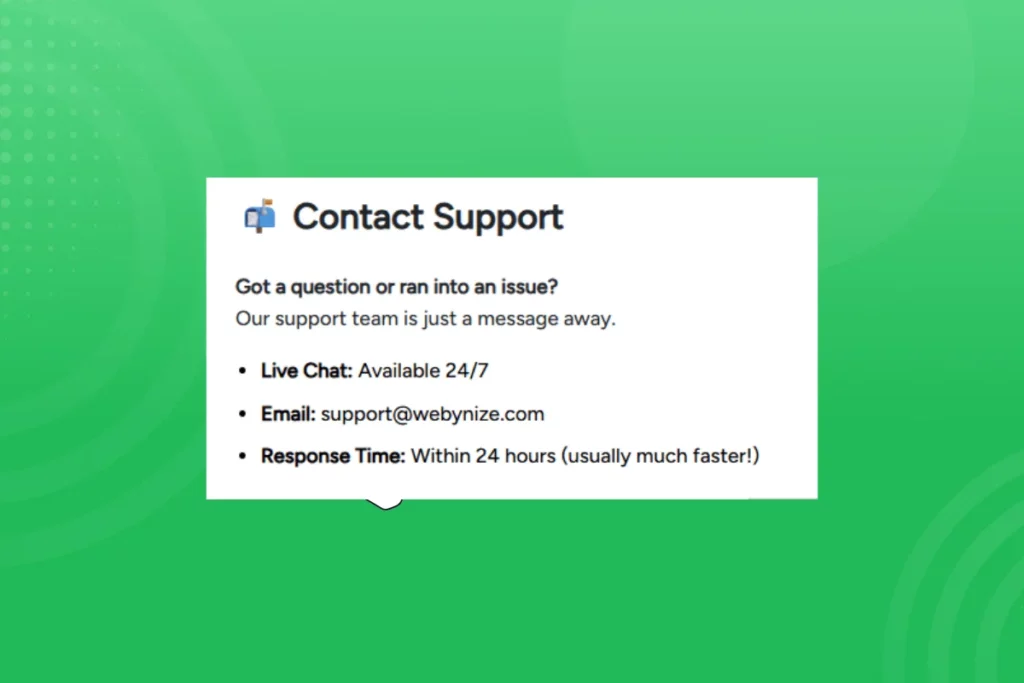
Adding a contact form to your website is not just about receiving customer messages. It should also enhance visitor engagement and facilitate interactions between your business and the potential leads. One way to achieve this is to encourage visitors to provide detailed, reliable information so you can respond comprehensively.
Discover proven methods for optimizing contact forms:
- Only Use a Few Fields: Keep your contact forms short to avoid overwhelming website visitors, as this can lead to form abandonment. Only ask for the information you need to address customer concerns.
- Trust Signals: Display security or SSL badges next to the contact form to reassure visitors that their information is secure. Additionally, you can add a social proof widget that showcases other website visitors filling the contact form to reassure customers who may be unsure about your brand.
- Message Receipt Confirmation: Display a clear “Thank You” message immediately after visitors submit their form, confirming that you have received it and will get back to them as soon as possible.
- Add a Clear CTA: Use a benefit-driven headline that clearly states the value visitors will get from filling out your contact form. For example, instead of “Submit” or “Send,” a better alternative would be “Get My Free Quote.”
- Optimize for Mobile: Visitors should be able to fill out your contact form comfortably from their phones. This means providing enough touch spots and using white spaces to separate fields.
- Test and Refine: Track user behavior and analytics to understand how visitors interact with the contact form and refine it to increase completion rates. If possible, leverage A/B testing to compare different templates until you find the one that works best for your target audience.

Frequently Asked Questions (FAQs)
Let’s wrap up by answering some common questions about adding a contact form to a website:
What is the Purpose of a Contact Form on a Website?
The main purpose of a contact form on a website is to enable visitors to message you, especially when you are unavailable on the live chat feature.
A contact form is convenient for visitors as they can message you directly from your website without having to sign in to their email addresses.
How Can I Customize a Contact Form Template?
There are several ways you can customize a contact form template:
- Personalize the contact form’s appearance to match your website’s theme.
- Include a CTA statement urging visitors to fill out the form.
- Keep the contact form mobile-friendly so visitors can access and fill it out anytime, anywhere.
What Makes a Contact Form Design More User-Friendly?
The best way to make a contact form user-friendly is to keep it short and scannable. Additionally, include field labels or add a tooltip widget to guide visitors as they fill the contact form, enhancing user experience.
Lastly, ensure the contact form has a mobile-first design to give visitors a consistent user experience across devices.
Should I Use PHP Or Other Tools For Contact Forms?
While you can use PHP to create a contact form, we recommend using a website widget. The latter helps you bypass the coding phase and go straight to setting up and styling your contact form.
Even experienced web designers should use a website widget to save time spent writing and debugging a PHP codebase and adding more custom CSS to style the contact form.
Conclusion
The best-fit contact form helps you balance simplicity, functionality, and design to optimize your website’s user experience and encourage visitors to undertake the target action. Potential clients can use the contact form to book one-on-one calls or live demos, while current customers can use it to follow up on their orders.
However, a contact form’s effectiveness comes down to how you create and customize it.
Webynize lets you set up a contact form without writing any code, saving the time you would otherwise spend coding and testing the embed. Also, you can personalize the contact form to your preferences, including setting the number of fields or styling the widget’s appearance to make it stand out.
Create a contact form widget today and join 1,000+ business owners using our widget to capture more leads for their businesses.
Leave a Reply